mcp · options gallery
Every option, with a preview
When you render through the AppScreen MCP server, the agent should show you this menu and let you pick. Each option below is rendered with the same placeholder so you can compare them directly.
Background effects
Use this screen's own screenshot as a processed backdrop (bg.kind = effect).
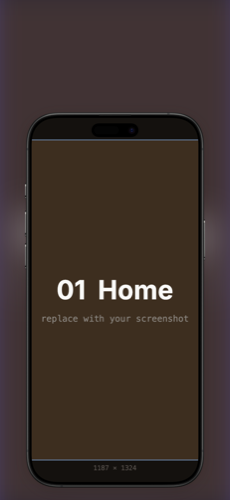
blurBlur
The screenshot itself, heavily blurred, as the backdrop. Subtle, content-derived.
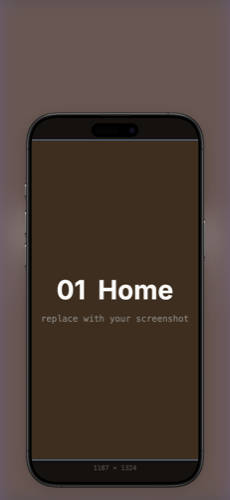
blur+tintBlur + Tint
Blurred screenshot with a saturated color wash + white scrim for caption legibility. Punchier.
Background presets
Built-in textured / structural backgrounds (bg.kind = preset).
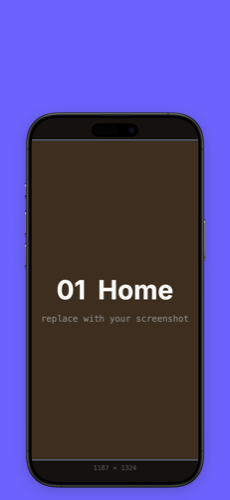
paperPaper
Soft paper grain. Warm, editorial.
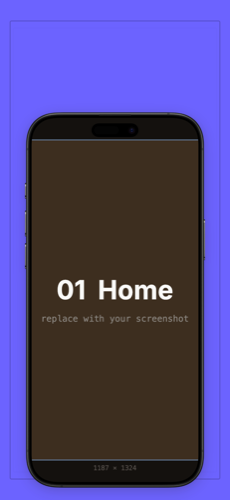
frameGallery frame
Double-border gallery mat around the device.
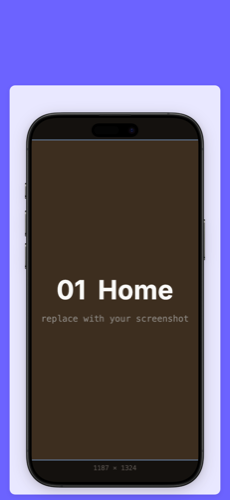
cardCard
Inner white panel floating behind the device.
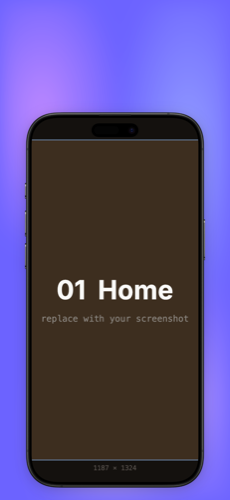
meshMesh gradient
Smooth multi-stop mesh gradient from your color.
Device frames
The device bezel around the screenshot (screenshot.frameId).
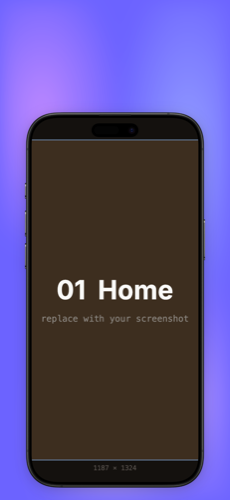
iphoneiPhone
Realistic iPhone 16 Pro Max bezel. Use for App Store.
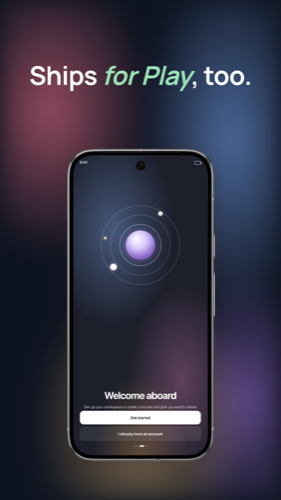
pixelPixel
Realistic Pixel 9 Pro bezel. Use for Play Store.
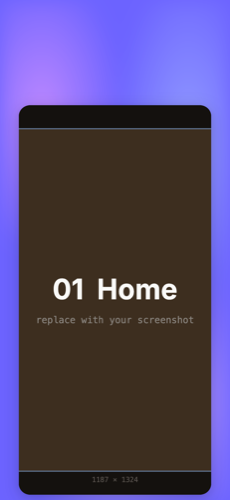
generic-minimalGeneric — minimal
Frameless rounded screenshot, no bezel.
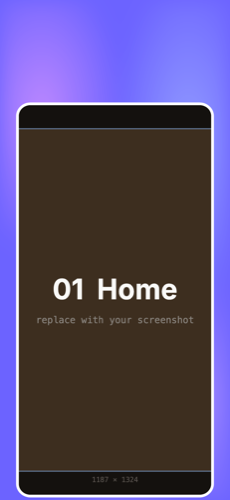
generic-outlineGeneric — outline
Thin colored outline around a rounded screenshot.
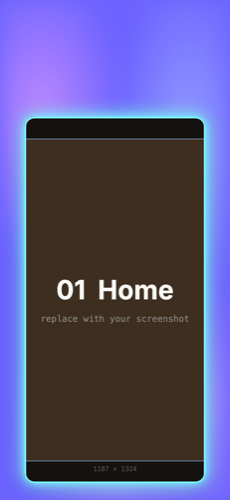
generic-glowGeneric — glow
Neon glow border around a rounded screenshot.
Also available: solid color and custom image backgrounds, five sizes (ios-6.9 / 6.7 / 6.5 / 6.3, play), and six output layouts. See /v1/catalog for the machine-readable list.